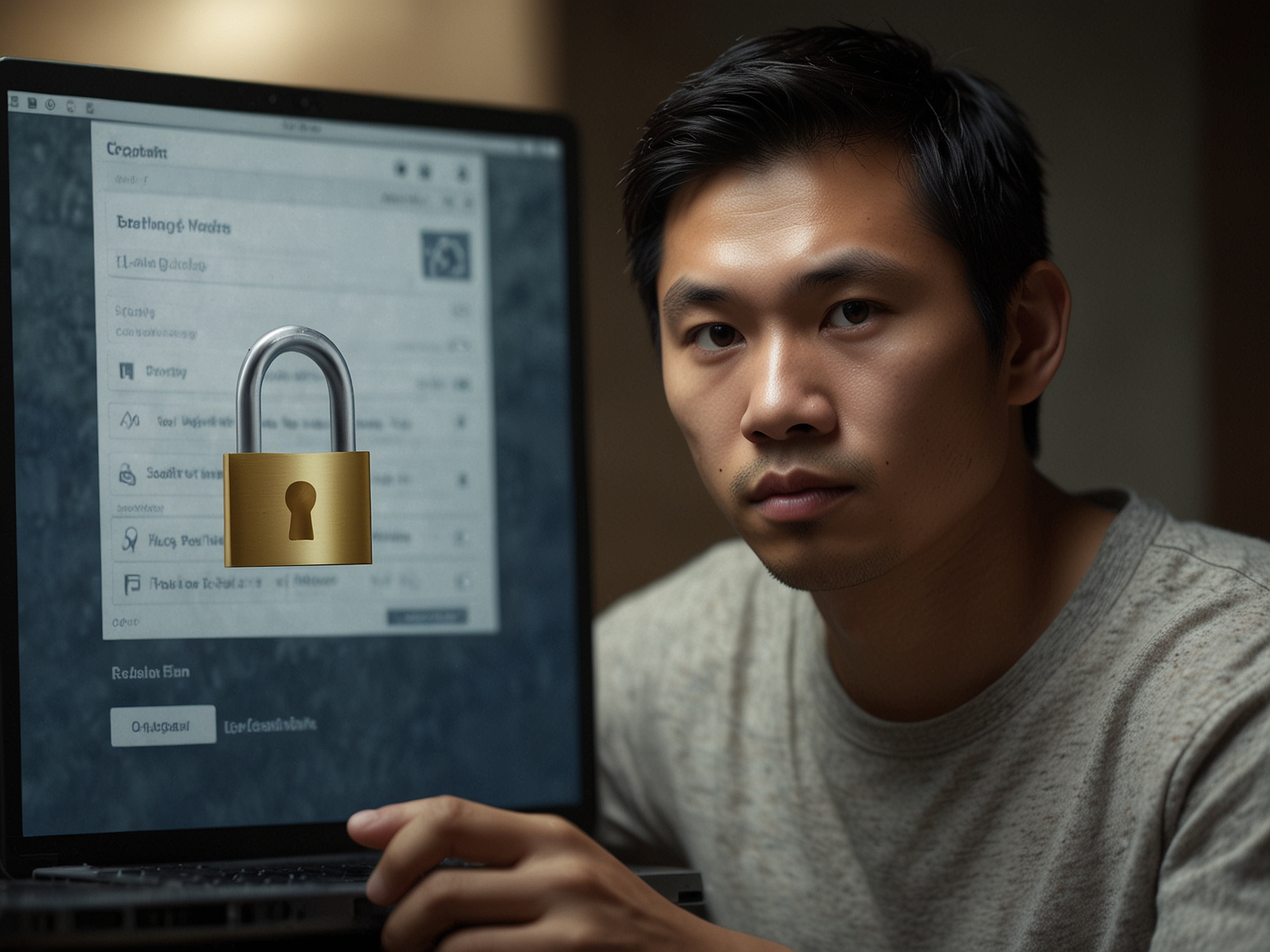
We provide a straightforward login process to ensure you can access your account quickly while keeping your data safe. Start by navigating to the Login page and entering the email address or phone number associated with your Khm777 account together with your password. If you have enabled two-factor authentication (2FA), you will be prompted for the additional verification code or confirmation as part of the process. These measures help prevent unauthorized access even if login credentials are compromised.
For your convenience, we support persistent login options on trusted devices while also giving you the ability to sign out remotely from other sessions via your account settings. We recommend using trusted personal devices and avoiding public or shared terminals for account access. If you must use a public device, please ensure you sign out and clear browser data after your session to protect your account.
We require strong passwords and recommend that you create a unique password that is not used on other services. A strong password typically includes a mix of uppercase and lowercase letters, numbers, and symbols, and avoids common words or easily guessed sequences. We store passwords securely using industry-standard hashing so that your plaintext password is never retrievable from our systems.
We actively monitor for suspicious login activity and may prompt for additional verification if signs of unusual access are detected. This can include login attempts from unfamiliar locations or devices. In such cases, we may temporarily restrict access until identity can be verified, or ask you to confirm the recent activity. These measures protect both your account and the broader safety of our player community.
We strongly encourage enabling two-factor authentication (2FA) to add a second layer of security to your Khm777 account. 2FA may be offered via authenticator apps or SMS-based codes depending on your region and available services. With 2FA enabled, even if someone obtains your password, they will not be able to access your account without the secondary code or device confirmation.
To activate 2FA, go to your account security settings, choose your preferred method, and follow the prompts to link the device or app. Keep backup recovery codes in a safe place so you can regain access if you lose your authentication device. If you lose access to your 2FA method, contact our support team for verification steps to restore account access safely.
If you forget your password or lose access to your authentication method, we provide a secure account recovery workflow. Use the 'Forgot Password' link on the login page to start the process. We will verify your identity using information associated with your account and may request supporting documentation when necessary to prevent unauthorized access.
In cases of suspicious activity, we may temporarily lock an account to protect funds and personal data. Our support team will guide you through validated steps to restore access. We take these measures to ensure that both your assets and personal information remain safe, and that only the rightful account holder can regain control.
Protect your account with 2FA and strong passwords. Visit Security settings for options and recovery steps.
We recommend avoiding public Wi-Fi networks when logging into your account, as these can be less secure and more susceptible to interception. Use a trusted private network or a secure mobile connection. If you must use a public network, consider using a VPN and always verify the site URL to ensure you are on our official domain at khm777.net before entering credentials.
Be cautious of unsolicited messages requesting login details or verification codes. Khm777 will never ask you to share your password or authentication codes via email or chat. If you receive suspicious communications, report them to our support team immediately. We will investigate and help secure your account during and after any suspicious event.
If you manage accounts for a group or use shared devices, use strict administrative controls and individual credentials for each user. Do not use shared logins, and ensure that each person has appropriate access rights. When using shared or public devices, always sign out and clear any saved credentials or cookies to prevent unintended access.
For additional security, we provide activity logs and session management tools in your account settings. These tools let you review recent sessions, sign out of active devices remotely, and revoke active sessions that appear unfamiliar. Regularly checking these logs helps you detect and respond quickly to unauthorized access attempts.
Use the 'Forgot Password' link on the login page to start a secure reset process. Follow the verification steps we request and check your registered email or phone for reset instructions.
Go to Account Settings > Security and follow the prompts to set up 2FA via an authenticator app or supported SMS service. Store any backup codes in a safe place.
Immediately change your password, revoke the unknown session from your account settings, and contact our support team so we can investigate and help secure your account.
Yes. You can use multiple devices, but we recommend trusting only personal devices and using device management tools to sign out remotely from any device you no longer use.